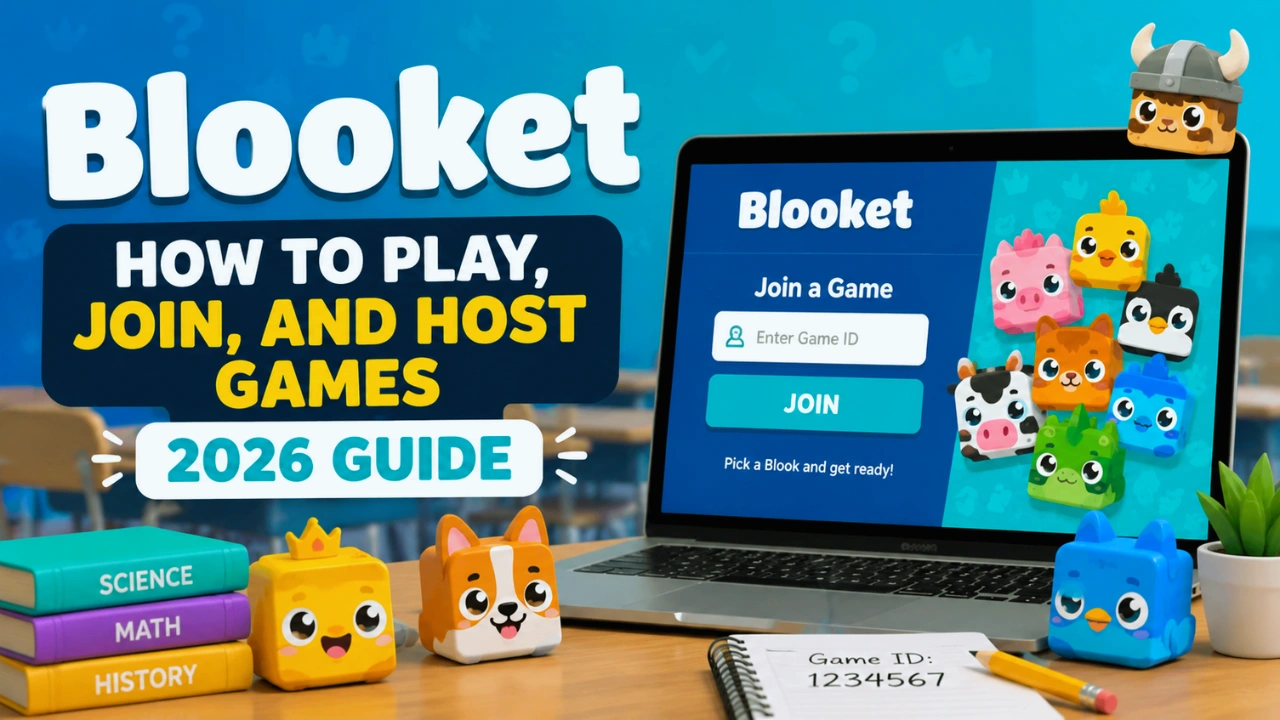
Blooket Guide: How to Play, Join, and Host Games
Imagine a classroom where students are answering quiz questions. Instead of feeling like a test, it becomes an opportunity to earn rewards, compete in challenges, and play a strategy game.
That is the idea behind Blooket.
Blooket is an educational game platform that transforms traditional quizzes into interactive games. Teachers create question sets, choose a game mode, and students join using a game code. The platform combines learning with competition, making revision sessions more engaging for students.
Whether you are a student trying to join a Blooket game, a teacher looking to host your first session, or a parent learning about classroom technology, this guide explains everything you need to know.
Quick Answer
Blooket is an online learning platform that turns quizzes into interactive games. Teachers create or select question sets, choose a game mode, and students join using a code. Students answer questions to earn rewards, unlock characters called Blooks, and compete while practicing academic concepts.
What Is Blooket?
Blooket is a game-based learning platform designed for classrooms and independent study.
Unlike traditional quiz platforms where answering questions is the entire activity, Blooket adds a gaming layer around learning. Students answer questions correctly to earn points, coins, power-ups, or progress inside different game environments.
The platform was launched in 2018 and became popular among teachers because it combines:
- Classroom quizzes
- Gamification
- Competition
- Rewards
- Student engagement
The main idea is simple:
Learn → Answer Questions → Earn Rewards → Progress Through the Game
Teachers commonly use Blooket for:
- Test preparation
- Vocabulary practice
- Math revision
- Science quizzes
- Classroom reviews
- Homework assignments
How Does Blooket Work?
Blooket follows a simple three-part system.
1. Teachers Create Question Sets
Teachers can:
- Create their own questions
- Use existing question sets
- Edit questions
- Assign games to students
Question sets usually contain multiple-choice questions.
2. Teachers Select a Game Mode
After choosing questions, teachers select how students will play.
Examples include:
- Competitive games
- Strategy games
- Solo practice
- Homework assignments
Each mode changes how students interact with the questions.
3. Students Join With a Code
Students do not usually need an account to join a live Blooket game.
They simply:
- Open the join page
- Enter the game code
- Choose a nickname
- Select a Blook
- Start playing
How to Join a Blooket Game?
Joining a Blooket game takes only a few seconds.
Step-by-Step Blooket Join Process
Step 1: Open the Blooket Join Page
Students need the joining page provided by the teacher.
Step 2: Enter the Blooket Code
The teacher displays a unique game code.
Students enter this code to access the session.
Step 3: Choose a Nickname
Students select their username.
Many teachers ask students to use their real names so they can identify participants.
Step 4: Select a Blook
A Blook is a collectible character used inside Blooket.
It does not usually affect the student’s performance.
Step 5: Wait for the Game to Start
Once everyone joins, the teacher starts the game.
Why Is My Blooket Code Not Working?
Students often face problems joining games.
Common reasons include:
| Problem | Solution |
|---|---|
| Wrong code | Check the digits again |
| Game already ended | Ask teacher for a new code |
| Wrong website | Open the correct join page |
| Late joining disabled | Wait for teacher restart |
| Internet issue | Refresh browser |
What Are Blooket Game Modes?
Blooket’s biggest attraction is its variety of Blooket game modes.
Each mode changes how students experience the quiz.
Popular Blooket Modes Explained
Gold Quest
Gold Quest is one of the most recognized Blooket games.
Students answer questions to open treasure chests and collect gold.
Features:
- Rewards
- Stealing mechanics
- Competitive gameplay
- Fast-paced rounds
Best for:
- Fun classroom reviews
- High-energy sessions
Café Mode
Café turns learning into a restaurant management game.
Students answer questions to earn money and manage customers.
Best for:
- Younger students
- Less competitive classrooms
Tower Defense
Tower Defense combines quizzes with strategy.
Students answer questions to gain resources and build defenses.
Best for:
- Strategic thinking
- Longer classroom sessions
Classic Mode
Classic mode keeps things simple.
Students answer questions and compete through a leaderboard.
Best for:
- Quick reviews
- Test preparation
Study Mode
Study Mode focuses on learning rather than competition.
Students can practice questions without the pressure of a leaderboard.
Best for:
- Exam preparation
- Individual revision
Blooket vs Kahoot vs Quizizz
| Feature | Blooket | Kahoot | Quizizz |
|---|---|---|---|
| Main Focus | Gamified quizzes | Live quizzes | Blooket Alternatives (Flexible quizzes) |
| Best For | Engagement | Classroom competitions | Homework |
| Game Elements | High | Medium | Medium |
| Student Rewards | Yes | Limited | Limited |
| Self Study | Yes | Limited | Yes |
How to Host a Blooket Game?
Teachers need a Blooket account to create and host games.
Steps to Host a Game
1. Create an Account
Teachers register and access the dashboard.
2. Choose a Question Set
Options include:
- Creating questions manually
- Selecting existing sets
- Importing questions
3. Select Game Mode
Choose the mode based on your classroom goal.
Examples:
For revision: Classic Mode
For engagement: Gold Quest
For strategy: Tower Defense
4. Share the Game Code
Students use the code to join.
5. Review Results
Teachers can analyze student performance after completion.
Is Blooket Free?
Yes, Blooket offers a free version.
The free plan allows teachers to:
- Create question sets
- Host games
- Use many classroom features
Paid plans add additional features such as:
- Larger player limits
- More reporting options
- Extra organization tools
What Is Blooket Plus?
Our in-depth Blooket Plus review covers the upgrade, but in brief, Blooket Plus is the premium version designed mainly for teachers and schools.
Benefits may include:
- Advanced reports
- Additional customization options
- More classroom management features
- Larger game capacity
Teachers who regularly use Blooket may find the premium features useful, while occasional users can often get by with the free version.
Are Blooket Hacks Safe?
Many websites claim to offer:
- Unlimited tokens
- Free Plus accounts
- Automatic answers
- Unlimited Blooks
Most of these are unreliable.
Risks include:
- Account theft
- Malware
- Fake downloads
- Account suspension
The safest way to unlock features is by using official Blooket options.
Is Blooket Safe for Students?
Blooket is generally considered suitable for classroom use when managed properly.
Teachers should:
- Monitor usernames
- Set classroom rules
- Choose appropriate game modes
- Avoid excessive competition
Like any online platform, supervision improves the experience.
Benefits of Using Blooket in Education
| Benefit | Explanation |
|---|---|
| Higher Engagement | Students enjoy interactive learning |
| Better Participation | More students participate |
| Faster Feedback | Teachers identify learning gaps |
| Fun Revision | Practice feels less stressful |
| Flexible Learning | Works in classrooms or remotely |
Common Mistakes Teachers Make With Blooket
Choosing The Wrong Game Mode
Not every class needs competition.
A noisy class may perform better with calmer modes.
Using Only Games Instead of Learning
Blooket should support teaching, not replace it.
The best results come from combining:
- Explanation
- Practice
- Discussion
- Games
Ignoring Student Feedback
Teachers should ask students which formats help them learn best.
Expert Recommendation
Blooket works best when used as a learning reinforcement tool.
It is excellent for:
- Reviewing lessons
- Practicing concepts
- Increasing participation
However, teachers should balance games with traditional learning activities.
The strongest classrooms use Blooket as one tool inside a larger teaching strategy.
FAQ
What is Blooket used for?
Blooket is used for educational quizzes, classroom review activities, homework practice, and student engagement. Teachers use it to transform questions into interactive games.
Do students need a Blooket account?
No. Students can usually join live games using only a game code. An account is mainly needed to save progress, collect Blooks, and track rewards.
Is Blooket free?
Yes. Blooket provides free access with optional paid features for teachers who need additional tools and capabilities.
How do you join Blooket?
To join Blooket, open the joining page, enter the game code provided by the teacher, choose a nickname, and wait for the host to start.
Can you play Blooket alone?
Yes. Students can use practice and solo options to review questions without joining a live classroom game.
Is Blooket safe for kids?
Blooket is safe for students when teachers monitor gameplay, manage usernames, and use appropriate classroom rules.

Table of Contents