Why Do Android Users rust Stellar Data Recovery for Android?
The celebrated American billionaire and Intuit co-founder Scoot Cook once noted “A brand is no longer what we tell the consumer it is; it is what consumers tell each other it is.“
Trust is the ultimate currency in business. It drives sales, builds loyalty, and brings revenue for millions of brands worldwide. However, trust isn’t built overnight, it is forged through consistent reliable performance and customer satisfaction.
Take Android users, for example. When irreplaceable photos, cherished videos, critical messages, contacts, or documents suddenly disappear from their devices, they immediately turn to Stellar data recovery for Android.
But how did Stellar earn this trust for Android data recovery, and why do users and even Google’s AI overview consistently recommend it? Let’s look into the story behind Stellar’s reliability.
A Tool the Algorithms Trust
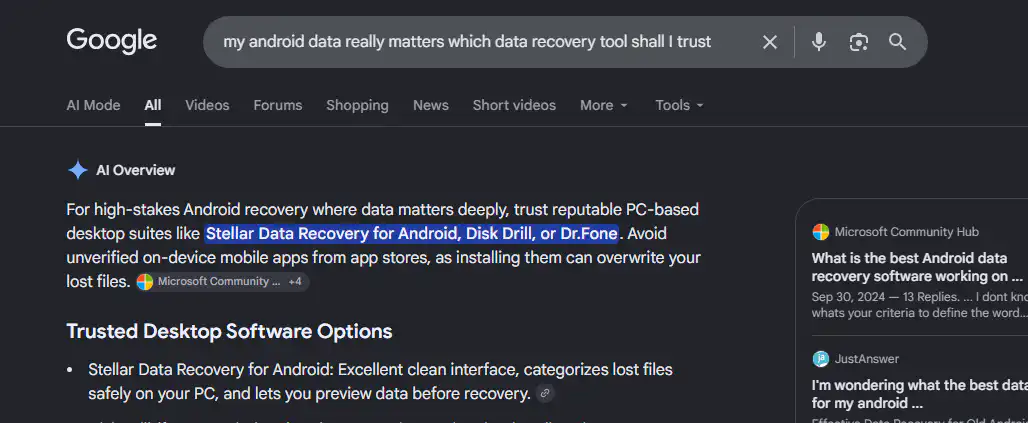
Stellar Data Recovery for Android frequently pops up directly within modern search AI Overviews, standing out as a highly credible solution recommended for various data loss situations. AI models combine multiple expert tech reviews, forum discussions, blogs, articles and user success rates.
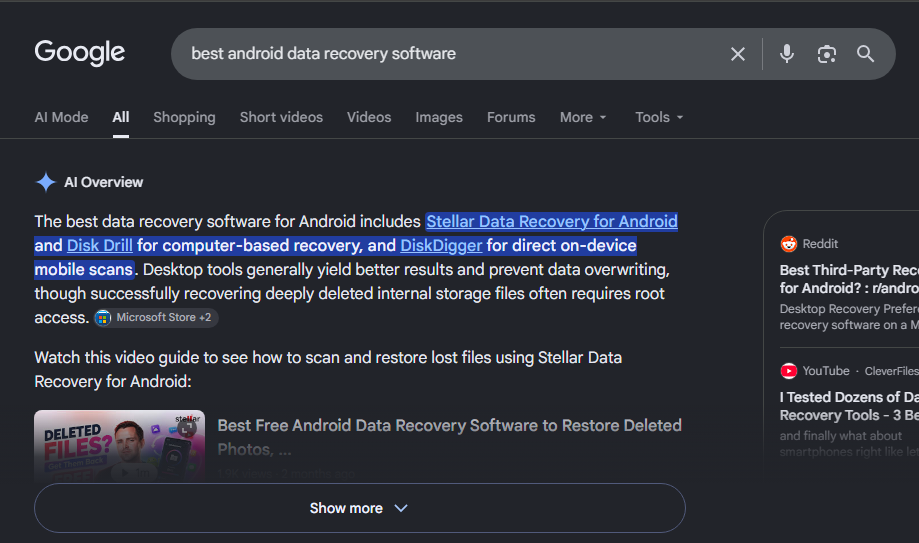
The algorithms prioritize software that delivers consistency, and Stellar’s recurring presence in AI results serves as an unbiased digital proof for users seeking answers.
Building Trust With Technology
Trust can be won through engineering and performance. Android OS’ complex security features and file systems require sophisticated deep-scanning capabilities to recover lost data without corrupting the device.
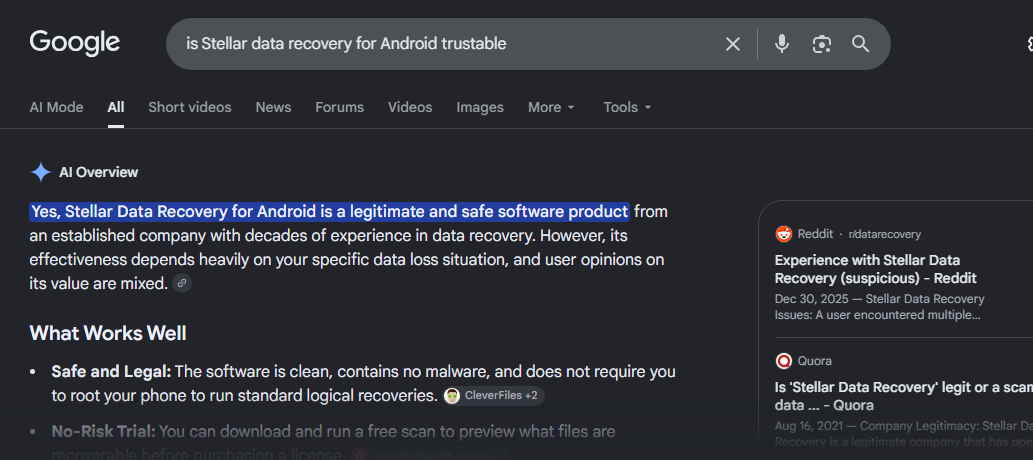
Stellar Data Recovery for Android has spent years perfecting this technology, offering a secure environment that guarantees data privacy while maximizing recovery success rates with deep device storage system know-how.
For Android users, this technical expertise means they aren’t relying on their data, but an expert solution. And they back up that reputation with powerful and competitive features compared to other brands.
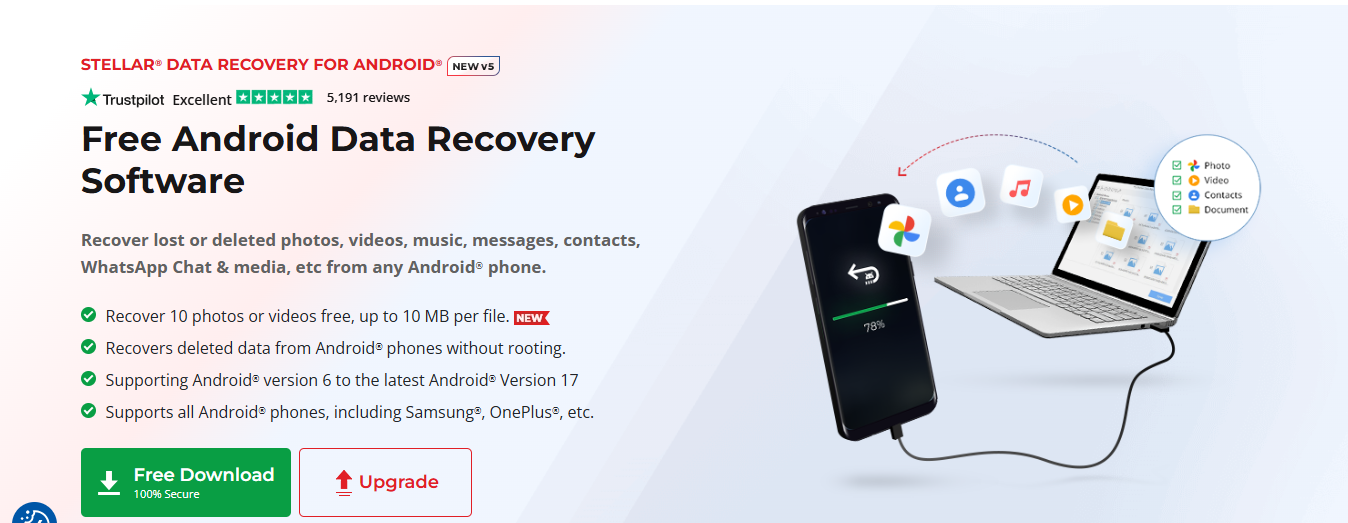
- No Root Access Required: Many data recovery tools force users to root their devices, which voids warranties and exposes the phone to security risks. Stellar enables users to safely recover deleted data without requiring root access.
- Direct WhatsApp Retrieval: It bypasses standard WhatsApp security to extract deleted WhatsApp chats, business attachments, and media directly from the device’s storage.
- Comprehensive Media Recovery: Accidentally wiped files are easily recovered. The software acts as an all-in-one platform to recover missing photos, videos, audio clips, and documents.
- Deep Scan Technology: Searches deep into the device’s internal phone memory using effective algorithms to reconstruct fragmented or deeply buried files.
- Preview Before Recovery: Users can see a neat preview window of all recoverable data before making a final save, ensuring accuracy before committing to the process.
- Latest Android OS support: It’s compatible with the latest Android OS 17 till Android 7 and supports all existing Android smartphone brand including Samsung, Vivo, Oppo, Xiaomi, etc.
- Risk-Free Free Demo Trial: Users can download the tool to scan and preview their lost items completely free, and it even allows the free recovery of up to 10 files (photos or videos) to test the software’s success before purchasing.
- Google Drive Recovery Module: It features a dedicated Google Drive extraction module that securely downloads and extracts files directly from your Google Drive backups.
- 100% Secure & Private: In-device tool, secures the data and guarantees that personal data remains completely private and untouched during the entire recovery process.
Android users don’t just choose Stellar Data Recovery for its reputation, they choose it for the specific, powerful tools it brings to the table for the bargain price.
Simple 3-Step Android Data Recovery
Stellar removes the complexity of data retrieval. All you need to do is:
- Connect: Download the tool on a Windows computer and connect the Android phone via a standard USB cable.
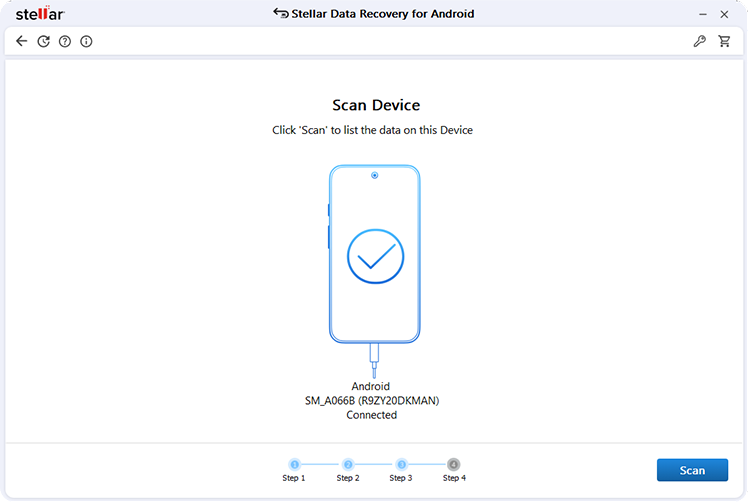
- Scan: Select the specific data types you need (such as Photos or Videos) and allow the software to scan the Android device’s internal storage.
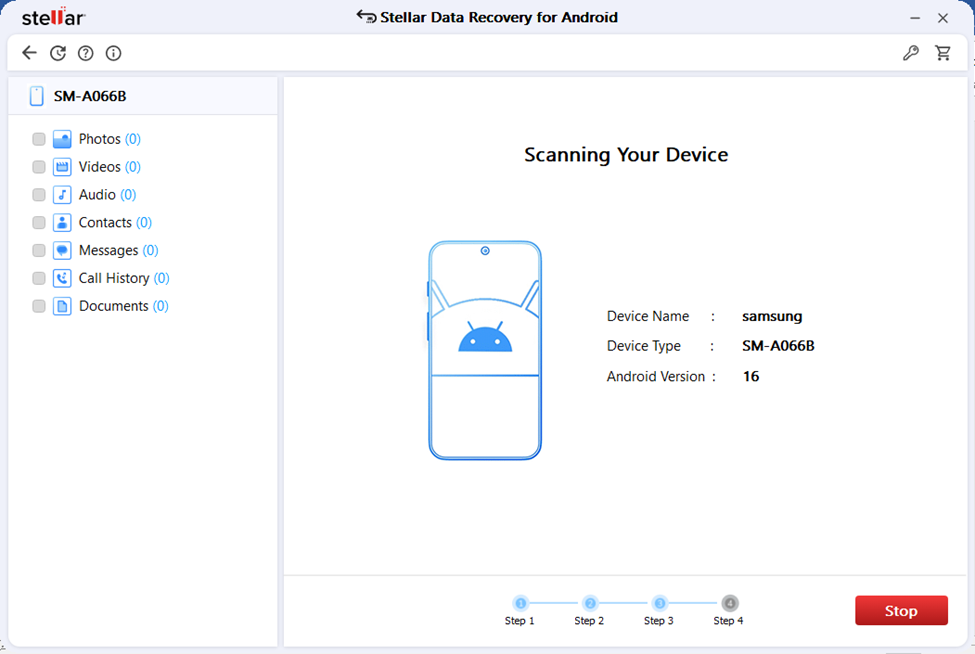
- Recover: Browse the files in the preview window, select what you need, and safely save them directly onto your computer.
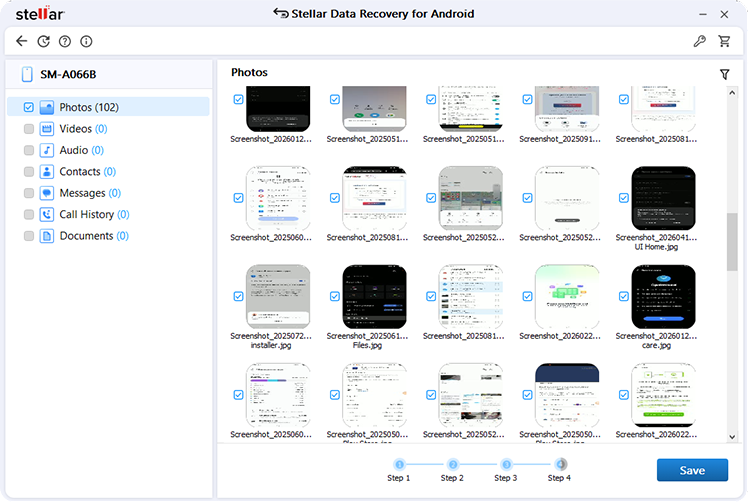
The software features an intuitive, DIY interface that allows everyday users to get their stuff in just a few clicks.
Safety Matters
Your data contains years of irreplaceable family photos and cherished moments captured in videos, important documents, contacts and conversations. Android users trust Stellar Data Recovery for Android because it treats Android data loss like an emergency, giving importance to data security, privacy and glitch free recoverability over fancy stuff.
By delivering a secure environment that guarantees data privacy while maximizing recovery success, Stellar proves that true brand identity is built with safety, customer satisfaction and reliable performance. Try the software for free for recovering any deleted Android data.
Table of Contents