How to Use GPT Image 2 for Professional Graphic Design Projects
Professional graphic designers are increasingly incorporating AI image generation into their workflows — not as a replacement for their skills, but as a powerful accelerator that handles certain tasks more efficiently. GPT Image 2 has earned particular attention from the design community for its strong prompt adherence, versatile style range, and improved text rendering capabilities.
Accessing GPT Image 2 for Design Work
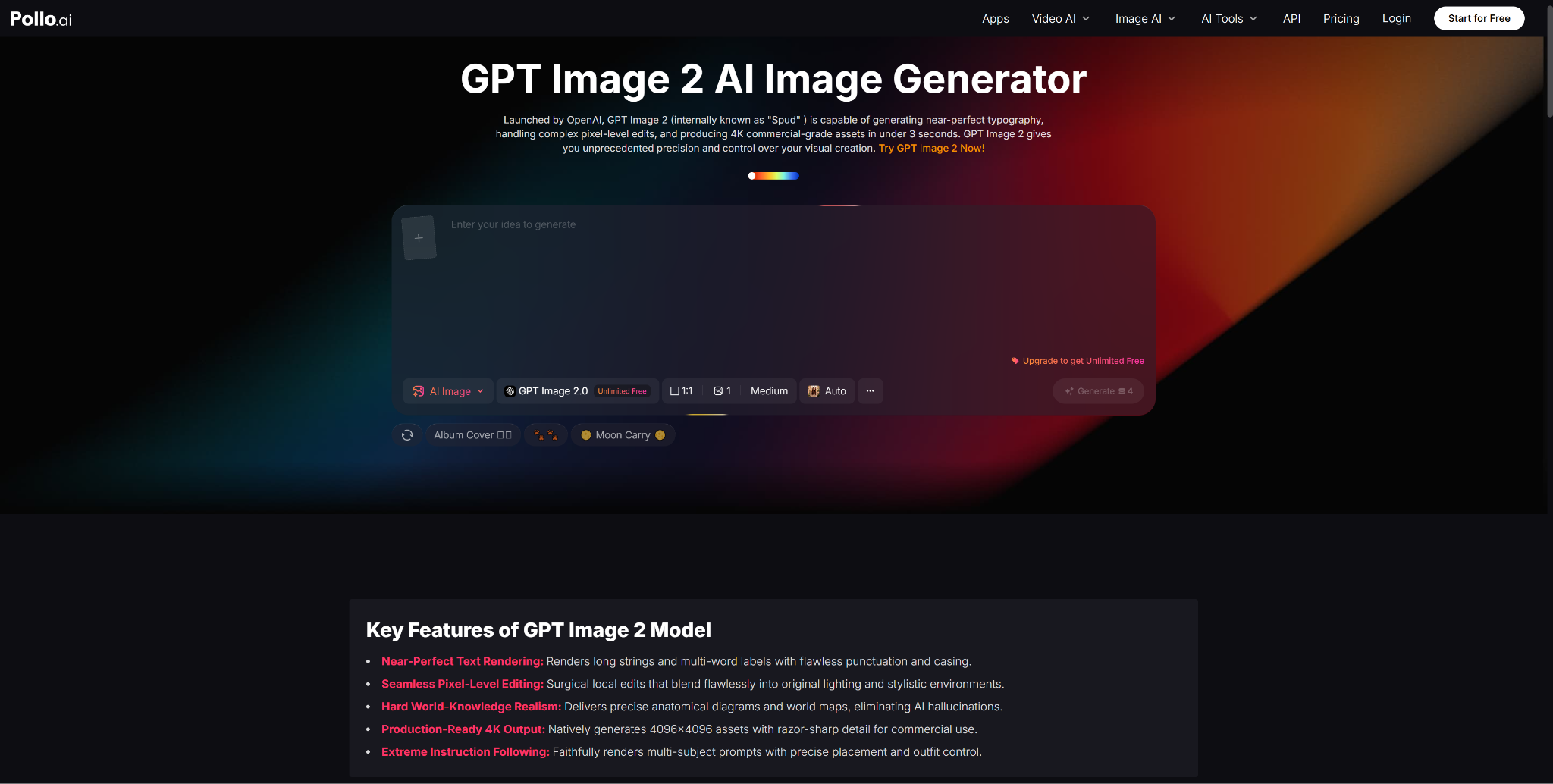
Pollo AI’s GPT Image 2 integration provides designers with a professional-grade generation environment. The platform’s clean interface and robust generation capabilities make it suitable for client-facing work, not just internal experimentation.
Pollo AI’s multi-model approach is especially valuable for designers. Different projects call for different visual treatments, and having multiple AI models available means you can always find the right aesthetic match. Switching between models takes seconds, and the consistent interface means you do not need to learn new tools for each model.
Concept Exploration and Ideation
The ideation phase of any design project involves exploring multiple visual directions before committing to one. Traditionally, this means creating rough sketches, gathering reference images, and building mood boards manually. GPT Image 2 accelerates this process dramatically.
Describe your initial concept in a prompt, generate several variations, and use the outputs as conversation starters with clients or creative directors. These AI-generated concepts are not final deliverables — they are visual thinking tools that help align stakeholders on direction before you invest time in polished execution.
For a branding project, you might generate a dozen different visual interpretations of a brand’s personality, each emphasizing different attributes. Present these to the client as directional options, gather feedback, and refine your approach based on their responses. This process would take days with traditional methods but can be completed in a single meeting with AI assistance.
Creating Custom Assets and Textures
GPT Image 2 excels at generating custom textures, patterns, backgrounds, and decorative elements that can be incorporated into larger design compositions. Instead of searching through stock libraries for the perfect texture, describe exactly what you need and generate it on demand.
Need a subtle watercolor wash in specific brand colors for a wedding invitation background? A geometric pattern with precise color specifications for a packaging design? An atmospheric landscape for a website hero section? GPT Image 2 can produce these assets quickly, and you can refine them further in your preferred design application.
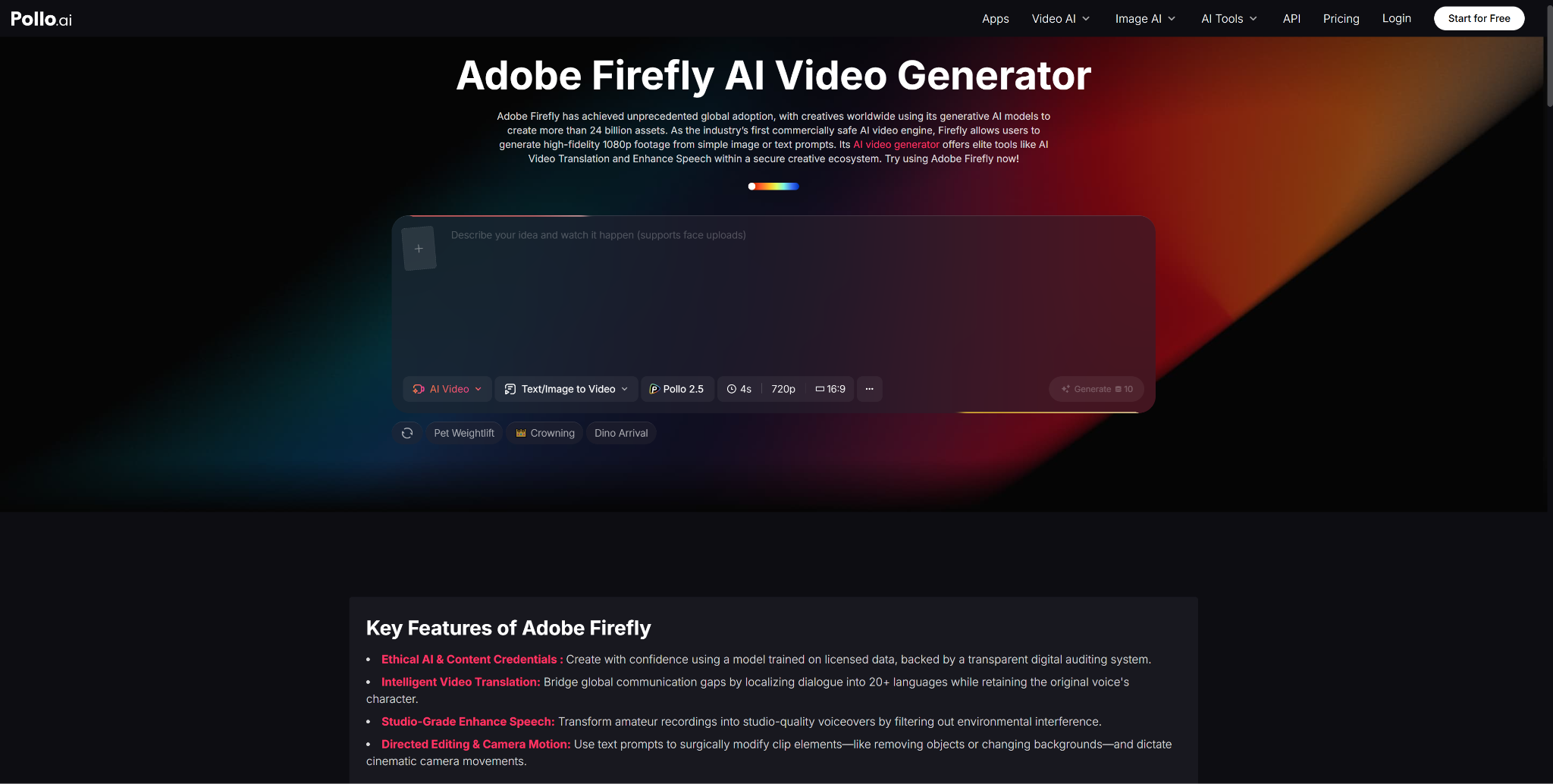
For designers who also create animated and video content for clients, Pollo AI offers access to tools like Adobe Firefly’s AI that complement the image generation workflow with design-focused AI capabilities integrated into the Creative Cloud ecosystem.
Presentation and Client Communication
AI-generated visuals dramatically improve client presentations and proposals. Instead of describing your vision verbally or showing unrelated reference images, you can generate custom visuals that closely represent your intended direction.
This visual specificity reduces misunderstandings, accelerates approval cycles, and demonstrates creative capability that helps win new business. Clients respond much more positively to concrete visual concepts than to abstract descriptions, regardless of how eloquently those descriptions are written.
Integrating AI Generation into Your Design Workflow
Start by identifying the phases of your workflow where AI generation adds the most value. For most designers, concept exploration and asset generation offer the highest return on investment. Gradually expand your use as you develop proficiency with prompt engineering and learn the model’s strengths and limitations.
Build a personal prompt library organized by project type, style, and application. Document successful prompts alongside their outputs so you can reproduce and refine results efficiently. Pollo AI’s generation history supports this documentation process, creating a searchable archive of your AI-assisted work.
GPT Image 2 on Pollo AI is a tool that rewards investment. The more you use it, the better you become at directing it, and the more value it adds to your professional practice.

Table of Contents